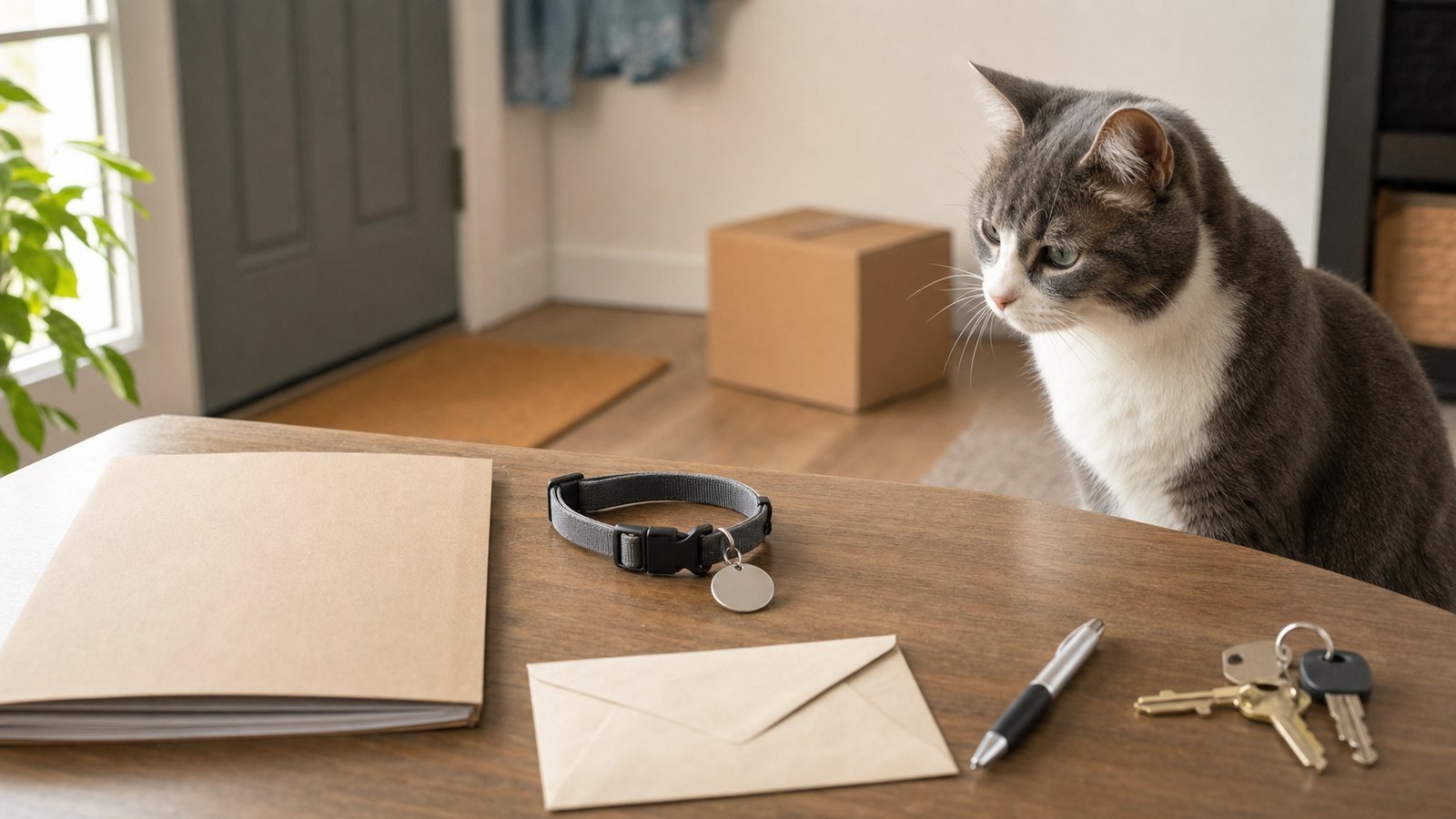
A pet license update checklist helps you separate a local license from the other records that travel with a pet. After a move, first identify which city or county serves the new address. Then check whether your animal needs a new license, an address update, or no local license at all. Species covered, documents, fees, terms, and tag rules vary by jurisdiction.
Find the licensing office for the new address
Do not assume the office named on an old tag also covers the new home. A mailing city, county boundary, shelter service area, and animal-control jurisdiction can differ. Start with the new city or county government website. If the correct government is unclear, use the USAGov state and local government directory to reach an official local site, then look for animal services, public health, licensing, or the municipal code.
- ☐ Enter the full new address into any official jurisdiction or service-area lookup.
- ☐ Confirm the agency name and official web domain before uploading records or paying.
- ☐ Check which species and ages the rule covers; do not treat “pet license” as a universal dog-and-cat requirement.
- ☐ Note whether the page offers a new application, renewal, transfer, or owner-information update.
- ☐ Save the page URL and the date you checked it.
Local examples show why this step matters. New York City says all dogs in the city must be licensed and offers an online way to update dog-license information. The City of Los Angeles says dogs and horses are licensed there and tells applicants to confirm that their ZIP code is regulated by its department. Those are local rules, not a nationwide checklist.
Build a pet license update checklist folder
Gather records before starting the form, but submit only what the new agency requests. An official page may ask for identifying details about the owner and animal, the previous license number, vaccination evidence, or sterilization evidence. Los Angeles, for example, ties a valid dog license to the required rabies vaccination certificate and asks mail applicants to send a copy rather than an original. Your locality may handle this differently.
| Prepare | What to check or save |
|---|---|
| New address | Street, unit, city, county, and ZIP code exactly as used by the licensing office |
| Pet details | Name, species, breed or description, sex, age or birth date, and color if requested |
| Current license | Certificate, tag number, issuing jurisdiction, and expiration date |
| Supporting records | Only the vaccination or sterilization proof listed by the official form |
| Contact route | Official portal, mailing address, in-person location, or published support channel |
| Proof | Submitted form copy, confirmation, receipt, and later-issued certificate or tag |
Keep this folder separate from your pet microchip update. A microchip registry stores contact details tied to a chip number; a local license is issued under a city or county process. Completing one does not prove the other was updated.
Choose update, transfer, or new application
Use the wording on the current agency page. If the pet remains inside the same licensing jurisdiction, an owner-information update may be enough. If the move crosses a boundary, the new office may require a new application rather than transferring the old tag. Do not cancel, discard, or alter the old record until you know what both offices require.
Add the answer to your pet license update checklist:
- ☐ Same jurisdiction or different jurisdiction confirmed.
- ☐ Correct transaction type selected from the official options.
- ☐ Current expiration date checked before paying for another term.
- ☐ Old office’s address-change, cancellation, refund, or surrender instructions checked if relevant.
- ☐ Apartment or housing paperwork kept out of the application unless specifically requested.
If the official page does not explain moves, contact the agency through the channel published on that page. Give the old and new jurisdictions, species, current tag or certificate number, and expiration date. Ask whether to update, transfer, renew, or start a new application. Save the reply with your moving documents folder.
Submit without creating a privacy problem
Open the government page yourself instead of following an unexpected renewal text or email. Check the domain and page footer, and make sure the agency actually serves the new address. Avoid sending identity documents, medical records, or payment details through a general email account unless the official instructions specifically direct you there.
Review every address field before submission. A form may store a residence address, mailing address, or both. Include the unit number where requested. If you mail a form, keep a scan and follow the page’s instructions about copies versus originals. Record the payment date and amount shown by the official system rather than relying on a fee quoted elsewhere.
Update the collar only when the instructions are clear
Tag-display rules also vary. New York City says the license must be attached to a dog’s collar while the dog is in public. Los Angeles says its dog license tag must be on a collar or harness when the dog is off the guardian’s premises. Follow the rule that applies to the new jurisdiction and your animal; do not copy either example to another city.
Keep the current tag attached as required while a replacement is pending. If an old tag must be returned or a new one has not arrived, ask the licensing office what proof to carry and what to do in the interim. Do not stamp, drill, or overwrite a government-issued tag.
Verify your pet license update checklist after submission
A confirmation screen is evidence of submission, not necessarily evidence that the license record is complete. Finish the pet license update checklist with a second check.
- ☐ Confirmation number or mailed-form copy saved.
- ☐ Payment receipt matched to the correct pet and transaction.
- ☐ New residence and mailing addresses displayed correctly.
- ☐ Pet name, species, description, and supporting-record status checked.
- ☐ License term or expiration recorded from the issued record.
- ☐ New certificate or tag photographed after arrival.
- ☐ Old tag handled according to the issuing offices’ instructions.
If the portal still shows the old address, a document remains pending, or the tag does not arrive, use the saved confirmation when contacting the agency. Ask what is missing and whether the existing proof remains usable while the correction is processed. Avoid guessing a processing time; use only the estimate shown by that office for that transaction.
Close the move with three distinct records
Your pet license update checklist is complete when the correct jurisdiction, transaction, address, supporting documents, payment proof, issued record, and tag instructions are all verified. Then make sure the veterinarian and microchip registry have the new contact details too. These records may share information, but they are maintained by different organizations.
For broader household notifications, return to the change of address checklist. Keep pet licensing as its own dated task so a completed general address list does not hide an unfinished local application.
Official sources used
This pet license update checklist is an organization guide, not legal or veterinary advice. Licensing rules, covered animals, documents, fees, deadlines, and tag requirements can change by state, county, city, service area, and animal. Verify the current rule with the government office that serves the new address.